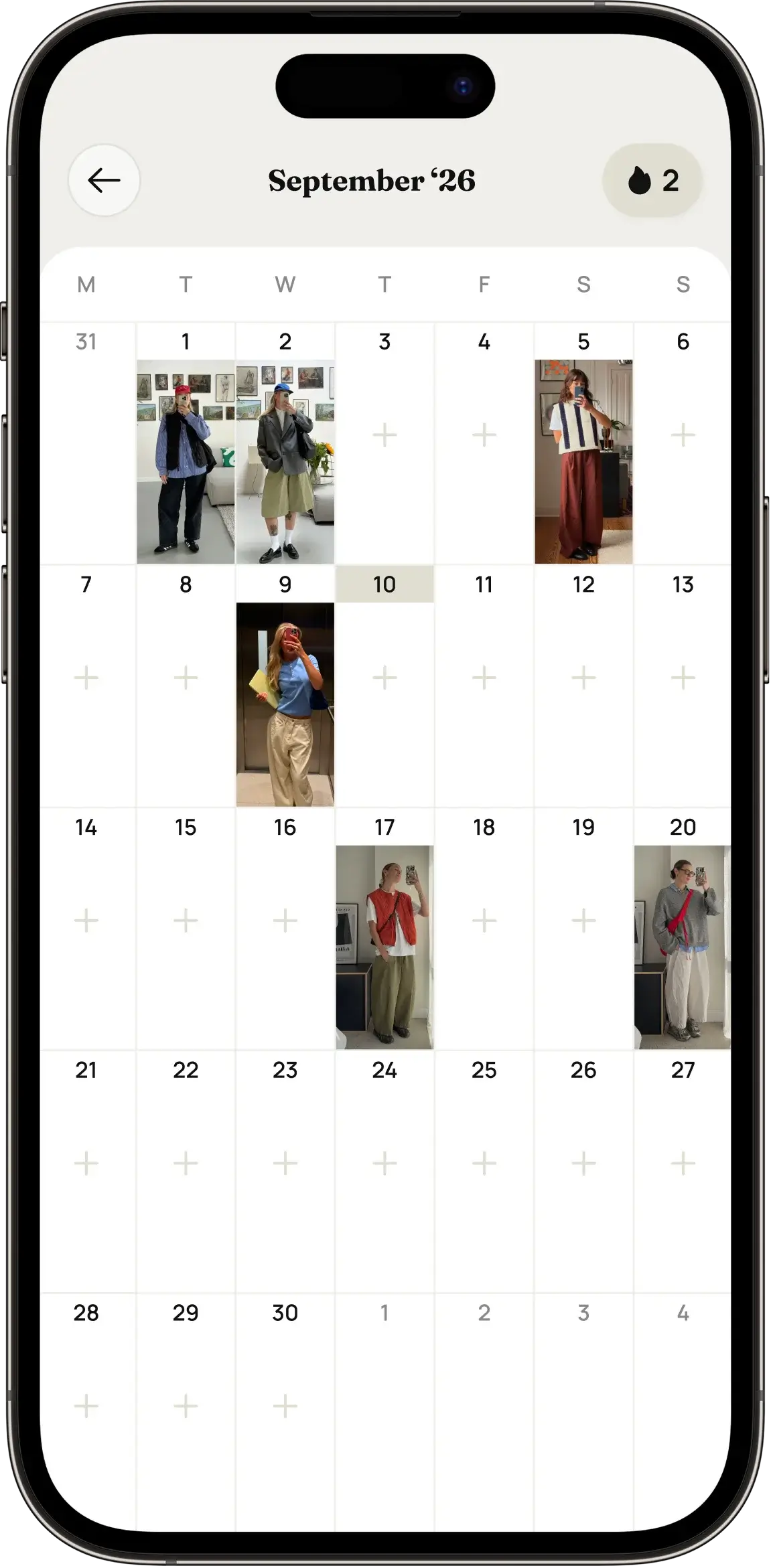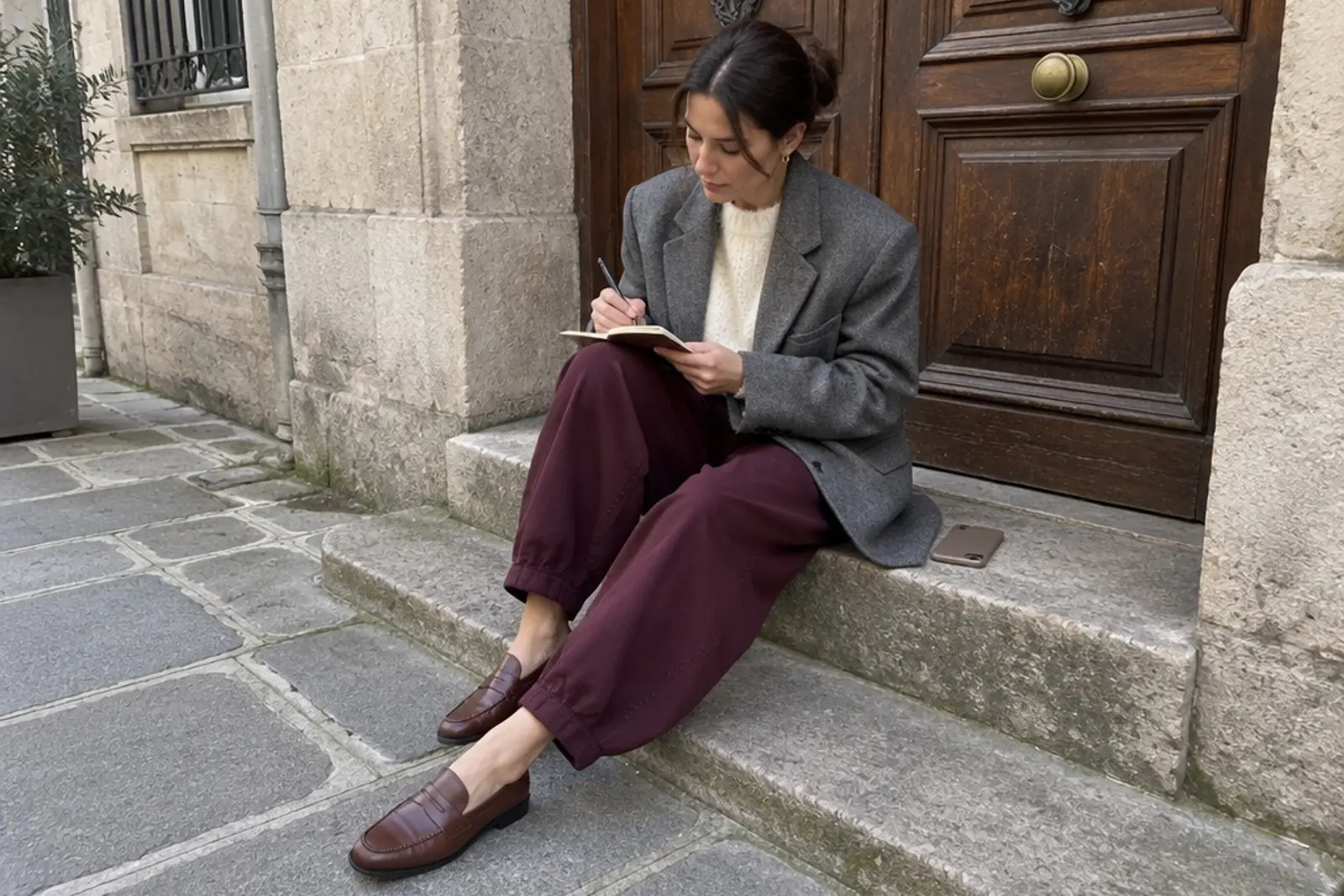
How to take a mirror selfie that shows your outfit well
Light, angle, phone position and a clean background: how to take a mirror selfie that shows your whole outfit, and helps Amalook pick out each item.
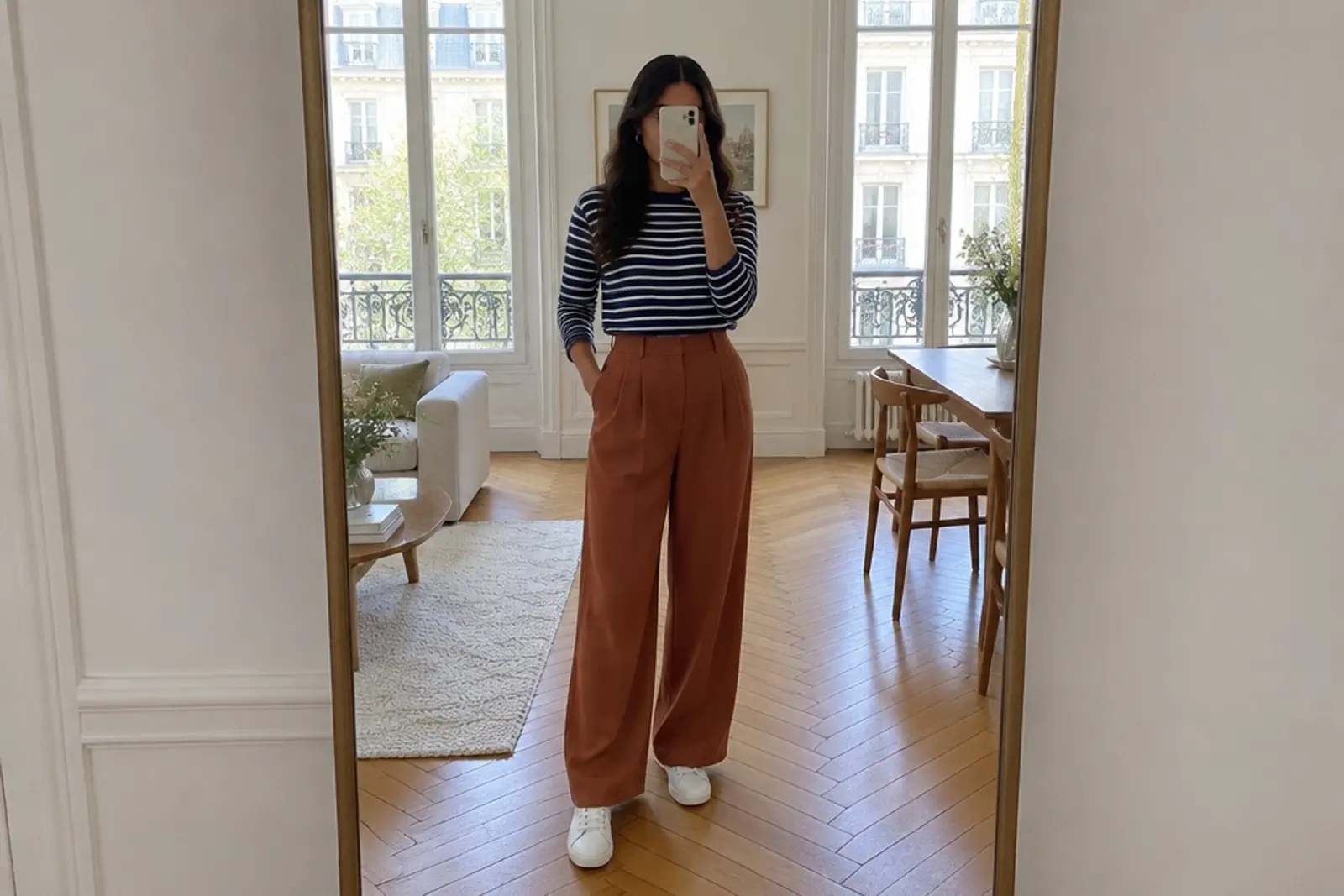
A mirror selfie is the quickest way to record what you’re wearing. It’s also how Amalook’s outfit analysis works: you take a photo of your look in the mirror, and Amalook picks out every item in it. The clearer the photo, the easier that is.
The good news is that you don’t need a ring light or a perfect room. A few simple adjustments make a big difference, both for your own outfit diary and for Amalook.
Find good light
Light does more for a photo than anything else.
- Face a window if you can. Soft daylight from the front shows true colours and fabric texture.
- Avoid standing with a window behind you. Strong backlight turns you into a silhouette, and dark clothes lose all their detail.
- Turn on room lights in the evening. Several soft sources are better than one harsh overhead bulb, which creates strong shadows.
- Watch for mixed light. Warm bulbs and cool daylight together can shift colours. If your navy looks black or your cream looks yellow, try one light source.
Colours matter for analysis too. When the light is true, Amalook can recognise the colours in your outfit more accurately. You can always edit details afterwards.
Show the full look
For an outfit photo, head to toe usually works best. Shoes and accessories are part of the look, and a cropped photo leaves them out.
- Step back from the mirror until you can see your whole outfit, including shoes.
- Use a full-length mirror if you have one. A wardrobe door or hallway mirror works well.
- Leave a little space above your head and below your feet so nothing is cut off at the edges.
If you only have a smaller mirror, take the photo from slightly further back, or take one photo of the top half and plan to add the rest separately.
Get the angle right
Phone position changes proportions more than most people realise.
- Hold the phone around chest or waist height. This keeps the outfit in natural proportion.
- Keep the phone upright, not tilted sharply up or down. Tilting distorts legs and torso.
- Stand straight on to the mirror, or turn slightly. A small angle often shows the shape of clothes better than a perfectly flat front view.
- Use the rear camera if you can see the screen in the mirror. It usually gives sharper, better-coloured photos than the front camera.
Keep the phone out of the way
Where you hold the phone decides what it hides.
- Hold it to one side of your body rather than in front of your chest. Otherwise it can cover a neckline, a necklace or a logo on a top.
- Keep your hand relaxed. Fingers spread over the screen can block parts of a jacket or bag.
- If your phone case is bright or busy, consider that it will appear in the photo too.
Clear the background
A simple background keeps the attention on your outfit, and it makes it easier for Amalook to tell where your clothes end and the room begins.
- Move laundry, bags and clutter out of the frame.
- A plain wall or door behind you is ideal.
- Avoid standing in front of a clothes rail or a pile of clothes, which can be confused with what you’re wearing.
- Wipe the mirror. Smudges and spots blur fine details like buttons or texture.
Pose to show the clothes
You don’t need to pose like a model. A few natural positions just help the outfit read clearly.
- Stand relaxed, weight on one leg. This looks natural and shows how trousers and skirts fall.
- Keep arms slightly away from the body so the waist and the outline of a top or jacket are visible.
- Open a jacket or coat if there’s something worth seeing underneath.
- Let a bag hang naturally on the shoulder or in hand, rather than tucked behind you.
- Take a side or back view for outfits where the shape or detail is at the back.
Take two or three shots and keep the clearest. It’s quick, and it saves second-guessing later.
Why this helps Amalook
Amalook’s outfit analysis looks at the clothes in your photo and picks out each item in the look: top, bottom, outerwear, shoes, bag and accessories. Good light helps it read colours. A full-length view means nothing is cropped out. A clean background and a phone held to the side mean fewer items are hidden or confused with the room.
You can check the results and edit details if something isn’t quite right. Alongside your planned outfits, this gives Amalook a clearer picture of what you actually wear, which is what its colour and style insights are based on. If you’re new to the app, How Amalook works gives the bigger picture.
A quick word on privacy
Outfit photos are personal, so we’ve been careful with them. Amalook’s outfit analysis looks at the clothes, not at identifying the person wearing them. Your photos are not used to train AI, and we don’t show ads or sell data. You can read the details in how we handle your photos.
If you’d rather not show your face, that’s completely fine. Frame the photo from the neck down, or hold the phone in front of your face. The outfit is what matters.
A quick checklist
Before you take the photo:
- Soft light from the front
- Full outfit in frame, shoes included
- Phone at chest or waist height, held upright and to one side
- Clean mirror and a clear background
- Relaxed pose with arms slightly away from the body
That’s all it takes to get a clear record of your look.
Your outfits, ready to use
A good mirror selfie turns a passing moment into something useful. In Amalook, it becomes a breakdown of every item you’re wearing, alongside a wardrobe and calendar that help you plan what comes next. It’s a small habit that makes getting dressed easier over time, and a helpful companion to planning outfits ahead.